
ContactsPush2.3.0 - App Store
You'll be able to see results in few seconds.
Publisher Description
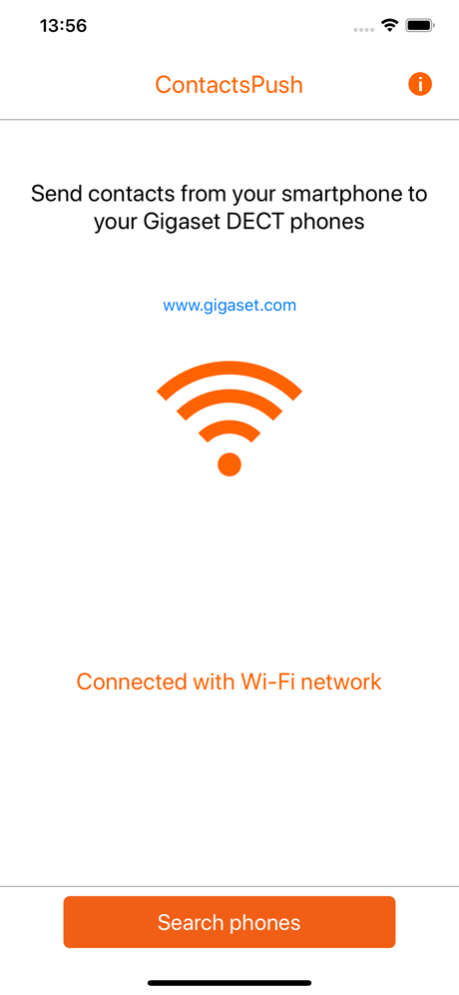
The ContactsPush app enables you to easily and conveniently transfer your contacts from a smartphone to the DECT handsets of a Gigaset fixed line phone.
All you need for this is an Internet-capable Gigaset phone such as an A510 IP, A540 IP, AS690 IP, C430(A) IP, C530(A) IP, C610(A) IP, C430A GO, C530A GO, C570A GO, CL690A SCB, CL750A GO, E630A GO, S850A GO, SL400A GO, SL450A GO, DL500A, DX600A, DX 800A or GO-Box 100.
It is this easy:
-Connect your smartphone to the local network
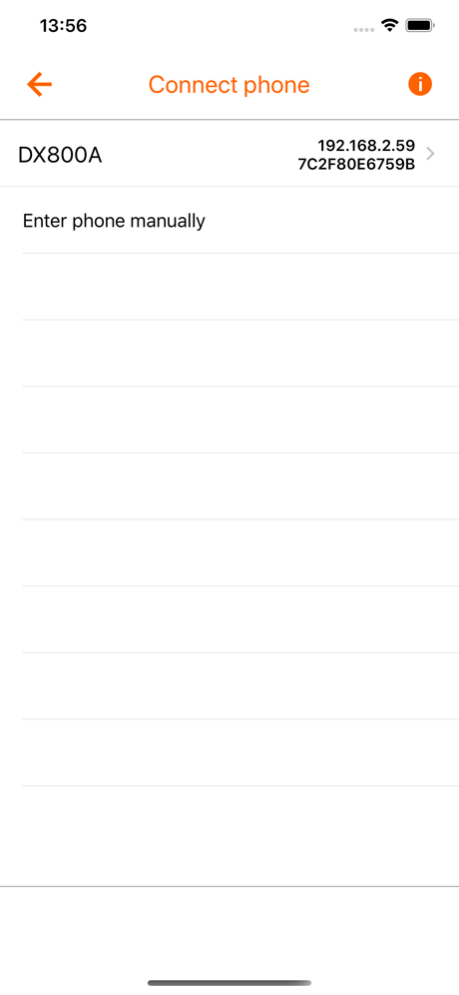
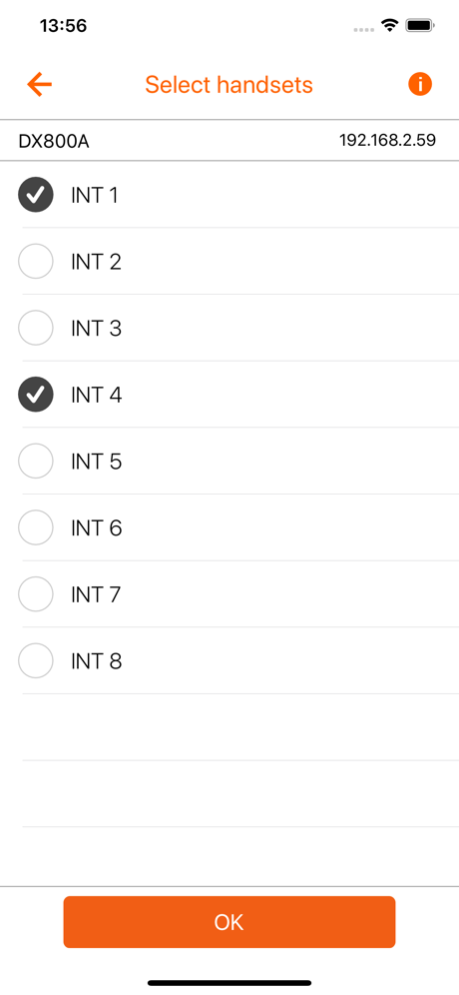
-The app shows you the phone systems1) addressable in the local network and the handsets of the fixed line phone you have selected
-You can manually select individual contacts or transfer your directory to up to six handsets
-Click the Filter button to search for particular contacts
-Select whether all the numbers for a contact or only one phone number per number type (Private, Office, Mobile) are/is transferred
-You can also specify whether you want to delete all the entries on your fixed line phone before the transfer
1) Internet access (www.gigaset-config.com) is required for this. If you are temporarily without Internet access, simply press the Paging button briefly on the base station of your IP phone to display the IP address on your DECT handset. Then enter this manually in the app.
Feb 24, 2021
Version 2.3.0
Bug fixes and optimisations
About ContactsPush
The company that develops ContactsPush is Gigaset Communications GmbH. The latest version released by its developer is 2.3.0.
To install ContactsPush on your iOS device, just click the green Continue To App button above to start the installation process. The app is listed on our website since 2021-02-24 and was downloaded 0 times. We have already checked if the download link is safe, however for your own protection we recommend that you scan the downloaded app with your antivirus. Your antivirus may detect the ContactsPush as malware if the download link is broken.
How to install ContactsPush on your iOS device:
- Click on the Continue To App button on our website. This will redirect you to the App Store.
- Once the ContactsPush is shown in the iTunes listing of your iOS device, you can start its download and installation. Tap on the GET button to the right of the app to start downloading it.
- If you are not logged-in the iOS appstore app, you'll be prompted for your your Apple ID and/or password.
- After ContactsPush is downloaded, you'll see an INSTALL button to the right. Tap on it to start the actual installation of the iOS app.
- Once installation is finished you can tap on the OPEN button to start it. Its icon will also be added to your device home screen.
Program Details
System requirements
Download information
Pricing
Version History
version 2.3.0
posted on 2021-02-24
Feb 24, 2021
Version 2.3.0
Bug fixes and optimisations
Disclaimer
Official App Store Link
We do not host ContactsPush on our servers. We did not scan it for viruses, adware, spyware or other type of malware. This app is hosted by Apple and passed their terms and conditions to be listed there. We recommend caution when installing it.
The App Store link for ContactsPush is provided to you by apps112.com without any warranties, representations or guarantees of any kind, so access it at your own risk.
If you have questions regarding this particular app contact the publisher directly. For questions about the functionalities of apps112.com contact us.
